How Can MFA Protect Your Business
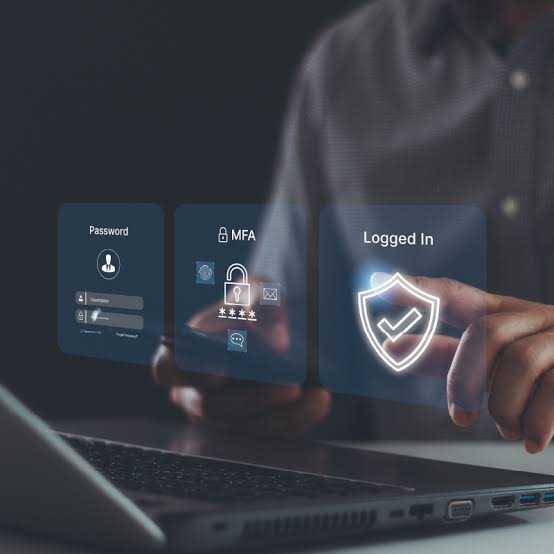
Multi-factor authentication, also known as MFA, creates a second step before anyone signs in. Even if a criminal has your password, MFA blocks access without the second form of verification.
You lock your office before you leave. Your online accounts deserve the same level of protection.
A password on its own is no longer enough. Passwords get stolen through phishing emails, data breaches, and weak security practices.
Microsoft reports MFA blocks more than 99 percent of automated account takeover attacks. Even so, fewer than 30 percent of small businesses use MFA across all accounts.
Every account without MFA gives cyber criminals another opportunity to access your business. Enabling MFA is one of the fastest and most effective ways to reduce your security risk.
Why Passwords Alone Are No Longer Enough
Many people reuse passwords across various accounts. Your employees are no different. One password often protects work accounts, personal email, and online shopping.
When a website suffers a data breach, stolen passwords often end up for sale online. Cyber criminals then test those passwords across other services. This attack is known as credential stuffing.
A strong password reduces risk. A unique password reduces risk even further. Neither stops every attack.
Phishing emails trick employees into entering their login details on fake websites. Malware steals passwords from infected devices. Once criminals have a password, access becomes much easier.
Multi-factor authentication creates another layer of security. Even if a password falls into the wrong hands, criminals still need a second form of verification before they gain access to your account.
The Cyber Attacks Small Businesses Face
Phishing remains one of the most common cyber threats. An employee receives an email that looks like a message from Microsoft, a supplier, or a bank. They click the link, enter their login details, and hand their password to a criminal.
The 2025 Verizon Data Breach Investigations Report found human error or manipulation played a role in 60 percent of confirmed data breaches. Criminals target people because people make mistakes.
Credential stuffing is another common attack. Criminals take usernames and passwords from previous data breaches and test them across other websites. Reused passwords give them an easy way in.
Brute force attacks rely on repeated login attempts. Criminals guess weak or common passwords until they gain access to an account. Therefore, it is important to choose strong passwords.
Multi factor authentication reduces these risks. Criminals still need a second form of verification, even if they have a valid password.
Some attackers target businesses with MFA fatigue attacks. They send repeated login approval requests, hoping someone accepts one by mistake. A well configured MFA system reduces this risk and helps protect your accounts.
What MFA Does for Your Business
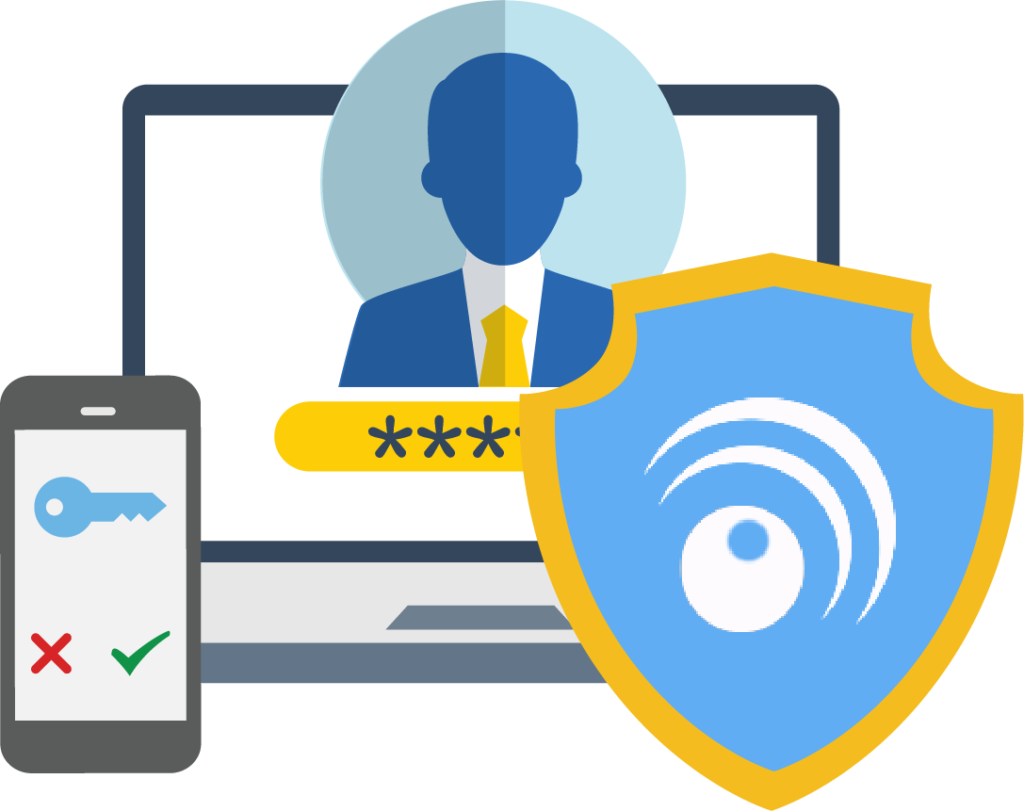
Instead of relying on a password alone, MFA asks for another form of verification. This might include a code from your phone, an approval through an authentication app, or biometric verification such as a fingerprint.
If a criminal steals your password, they still need the second verification step to access your account.
Google research found adding extra account verification blocked almost all automated bot attacks and most large-scale phishing attempts.
MFA takes only a few minutes to set up for each user. This simple security measure helps protect your accounts from common attacks and reduces the risk of unauthorised access.
How to Set Up MFA for Your Business
Start with your most important accounts.
Prioritise:
• Email accounts
• Banking systems
• Cloud storage
• Admin accounts
• Finance systems
These accounts often contain sensitive information and attract cyber criminals.
Use an authenticator app instead of SMS codes where possible. SMS verification provides extra protection, but attackers use methods such as SIM swapping to access phone numbers.
Apps such as Microsoft Authenticator and Google Authenticator provide a stronger layer of security and are free to use.
For sensitive accounts, consider using passkeys or hardware security keys. These tools connect access to your device and the correct website, which helps prevent fake login pages from stealing your details.
Make MFA a business requirement. Every employee account needs protection. One unprotected account creates unnecessary risk.
Your team also needs training. Explain MFA fatigue attacks before they happen.
Tell employees:
• Only approve login requests you started
• Reject unexpected approval requests
• Report suspicious activity to your IT team
A clear MFA process helps your business protect accounts and reduce security risks.
Why MFA Should Be a Priority
Many cyber attacks start with a compromised password. An employee might reuse a password, fall for a phishing email, or share login details without realising the risk.
MFA adds another layer of protection and reduces the chance of unauthorised access.
Setting up MFA takes only a few minutes per user. It is one of the simplest steps your business can take to improve account security.
If MFA is not enabled across your business, make it a priority. Protect your accounts, your data, and your team from avoidable security risks.
